

colourstone / LCD Screen
NV156FHM-N48 15.6-inch FHD Laptop LCD Screen
CS-LCD-1601923291935
Colourstone supplies replacement laptop keyboards, batteries, LCD screens, cooling fans, AC adapters, laptop cases and other spare parts for wholesalers, distributors and professional repair businesses worldwide.
 COLOURSTONE / COMPONENTSIllustrative catalog
Explore replacement parts by category.

Replacement display panels matched by panel model, size, resolution and connector type.
02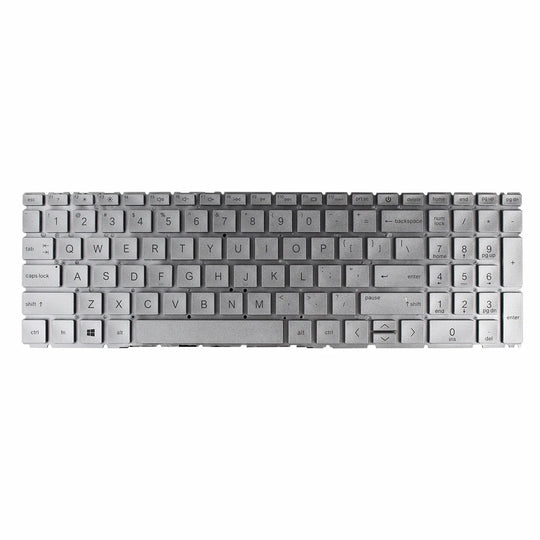
Replacement laptop keyboards matched by model, language layout and backlight configuration.
03
Replacement cooling fans matched by connector, mounting points and CPU or GPU position.
04
Laptop covers, panels, palmrests and hinges matched by model and housing position.
05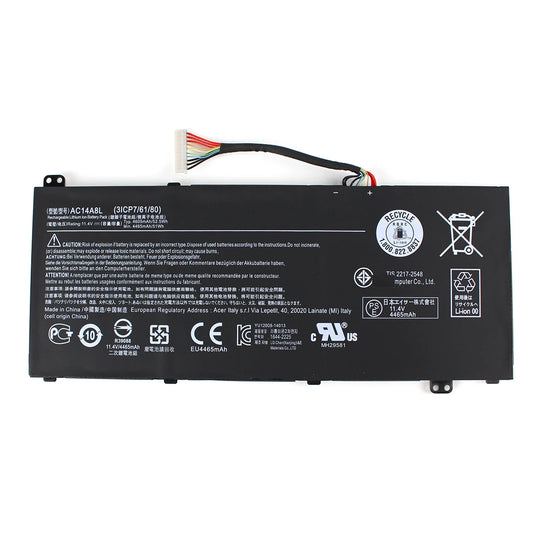
Replacement laptop batteries matched by part number, voltage, capacity and connector.
06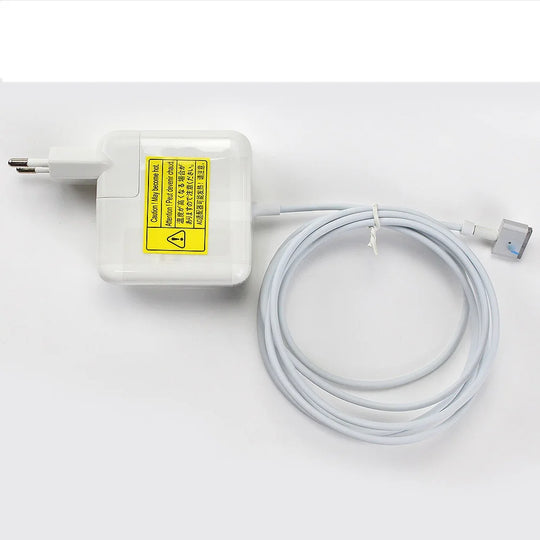
Laptop AC adapters matched by output voltage, wattage, polarity and connector size.
07
Laptop DC jacks and sockets matched by connector, pin count and mounting details.
08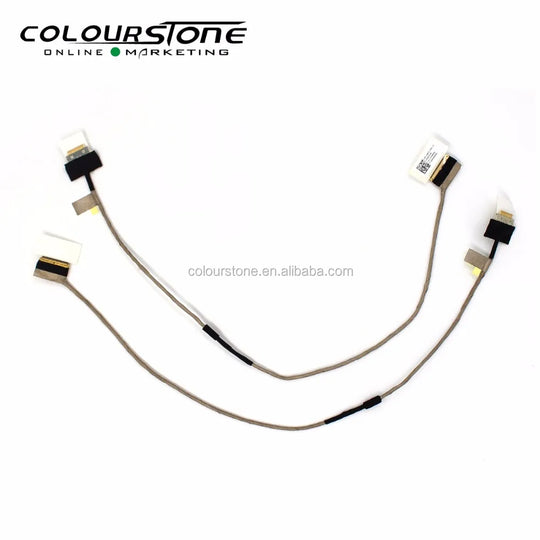
Laptop LCD and LED screen cables matched by cable code, connector type and routing.
Newly added parts for your next repair or supply order.

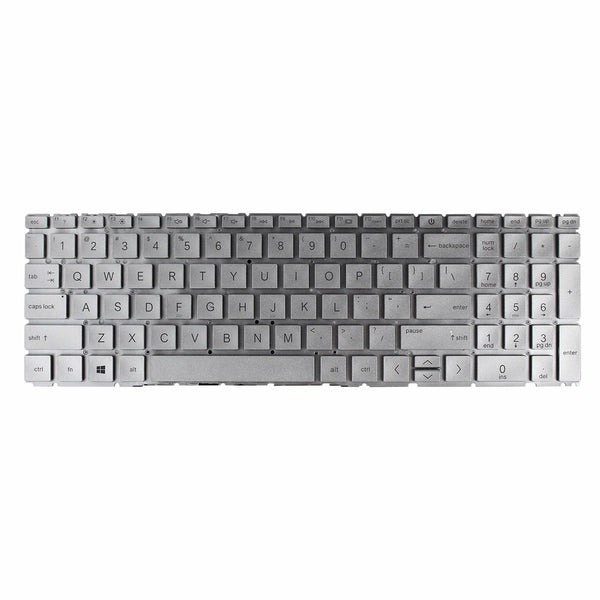
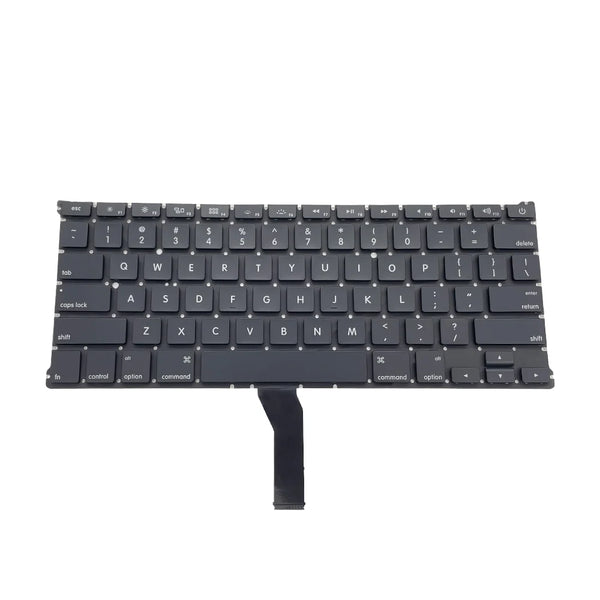
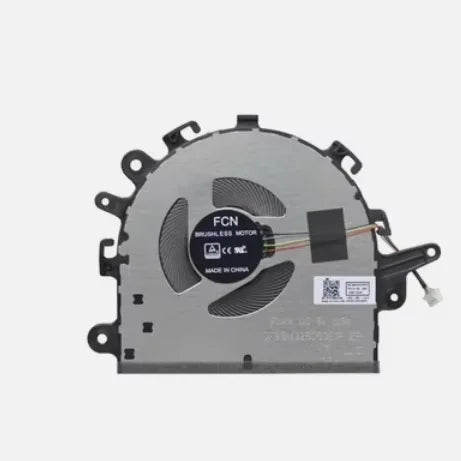
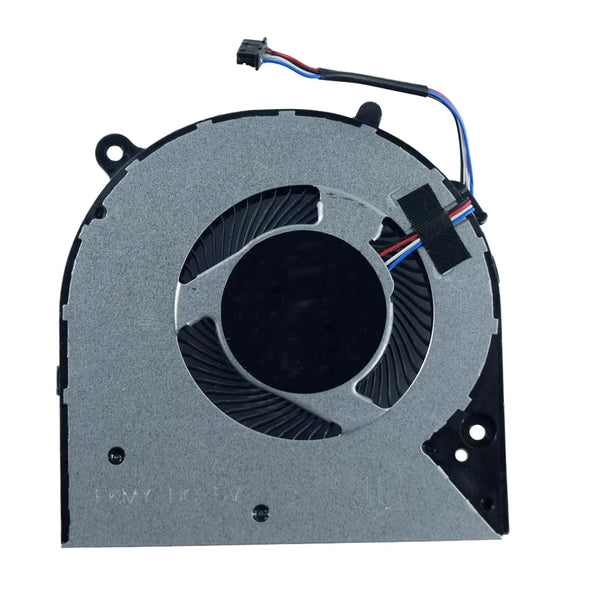
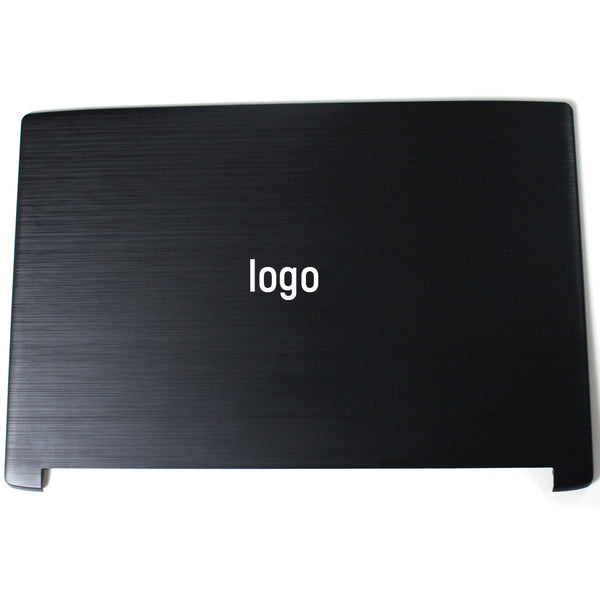
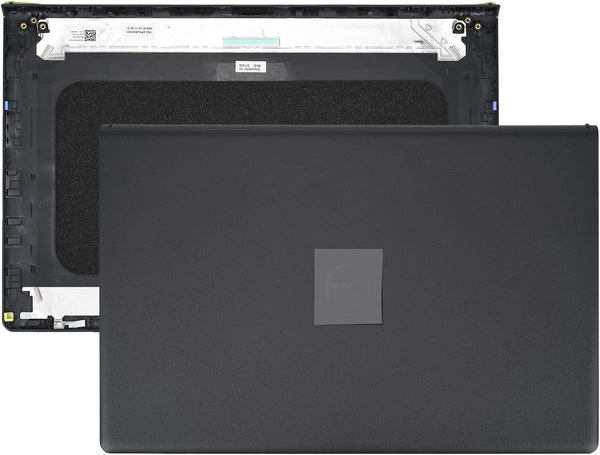
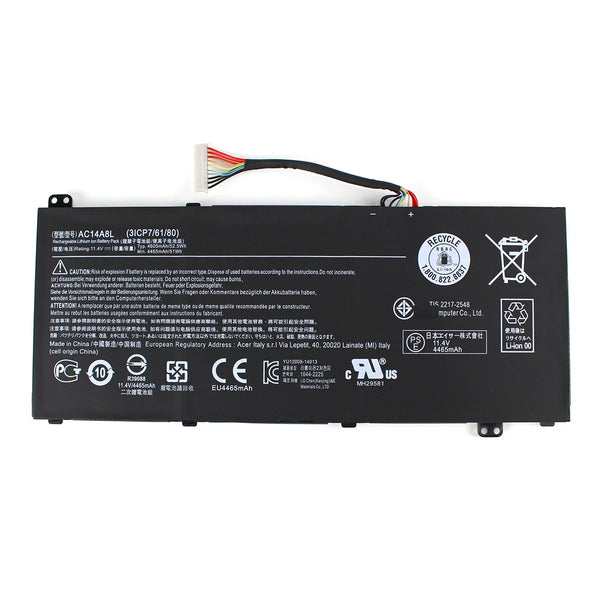

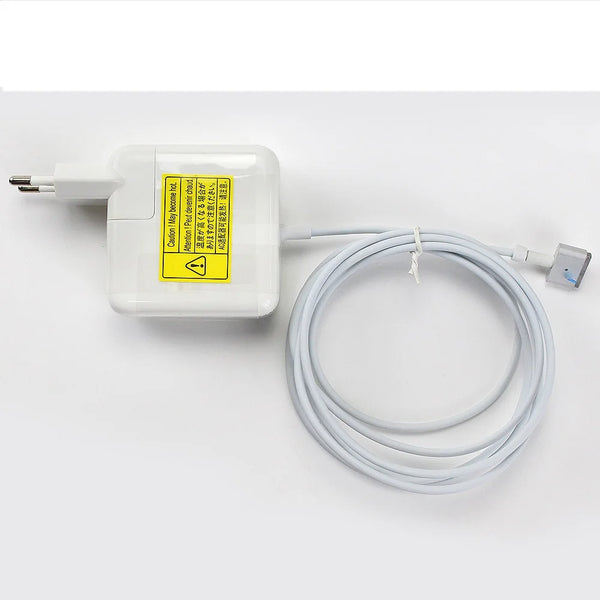
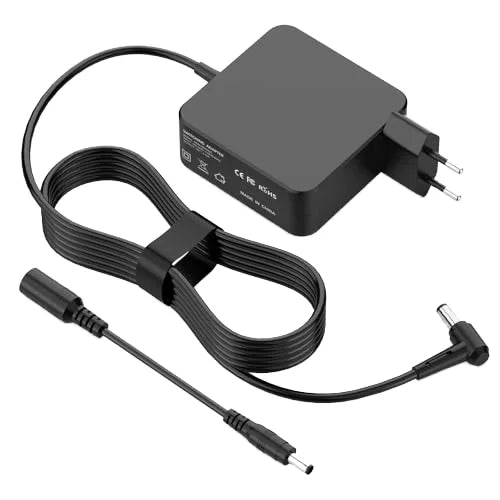


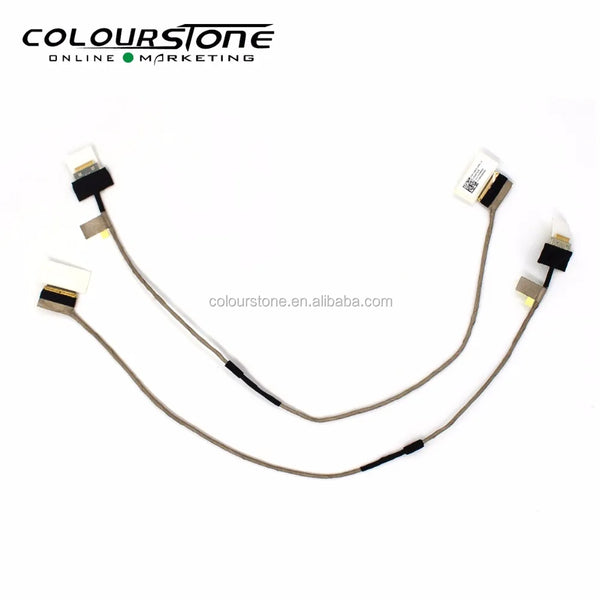

Explore replacement parts by category.
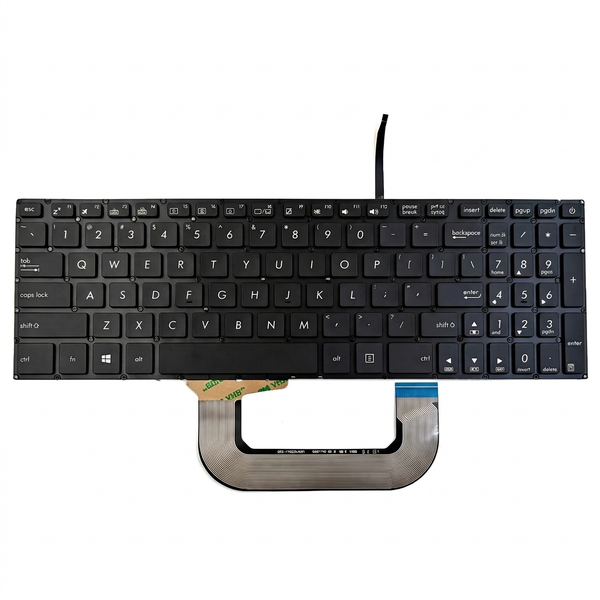


From a single replacement to a mixed bulk order, start with the details that matter.
Request a quote ↗Share part numbers, laptop models, quantities and your destination.
Confirm connectors, dimensions, keyboard layout and other specifications.
Discuss availability, pricing, packaging and shipping before ordering.
Screen size is only the beginning. Check the connector, resolution and panel part number.
Read the guide ↗Choose the right language layout, backlight and laptop compatibility.
Read the guide ↗A clear part list helps make sourcing discussions more efficient.
Read the guide ↗
Explore our 2,000+ square metre laptop spare parts warehouse, supporting global B2B sourcing with model knowledge and selected hard-to-find stock.
Read the article ↗Send your requirements. Our team will help you check the details and discuss a quotation.
Practical answers for repair shops, resellers and distributors. If your question is specific to a part, our team can help you check the details.
Add products to your enquiry list and complete the enquiry form with part numbers, quantities and your destination. You can also email sales@e-colourstone.com or contact us on WhatsApp at +86 133 1296 4541.
Compare the original part number, laptop model, dimensions and connectors. For screens, also check resolution and pin count; for keyboards, confirm the language layout and backlight. Send a clear label photo to our team before ordering.
Yes. Add the parts to your enquiry list, then enter the quantity for each item in the requirements field. Include acceptable alternatives and your destination so our team can discuss the complete request.
Send photos or your part list by email to sales@e-colourstone.com, or use WhatsApp at +86 133 1296 4541. The website enquiry form accepts text; it does not upload attachments.
These details depend on the part and your requirements. Send the part number and quantity to our team to confirm availability, minimum order quantity and quotation terms. An example shown on the website is not a promise of stock.
We offer DHL, UPS, FedEx and EMS, other air freight services, sea freight and rail freight. Send your destination and quantities so our sales team can confirm the available routes, costs and estimated delivery time.
We accept T/T (bank transfer) and Alibaba Trade Assurance orders. We also accept Chinese yuan (CNY), including WeChat Pay and Alipay.
OEM-version products carry more than 12 months of warranty. OEM batteries and AC adapters carry a 16-month warranty from receipt of the goods. Original batteries carry a 6-month warranty from the shipment date. Confirm the applicable terms for your selected parts before ordering.
Yes. We supply original laptop spare parts, as well as OEM and replacement versions. Ask our sales team to confirm the version and specification for your requested model.